Quick answer
Desktop is confirmed; touch is a watch item
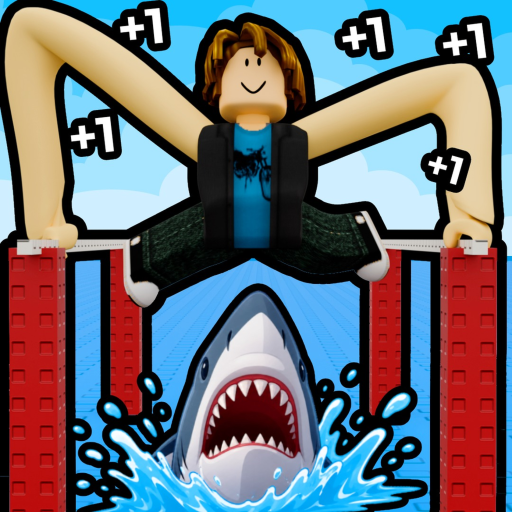
For desktop, hold M1 and move the mouse to angle your arms. Mobile and console mappings are not first-party verified in the current check.
The official Roblox description confirms a desktop M1-and-mouse control. Mobile and console mappings were not verified in this check, so use the live Roblox control overlay instead of copying an unsupported gesture.
For desktop, hold M1 and move the mouse to angle your arms. Mobile and console mappings are not first-party verified in the current check.
This table prevents desktop instructions from being silently converted into touch or console claims.
A missed grab may be a reach or aim problem, not proof that a particular touch gesture is correct. Train Long, choose a closer bar, and use the visible device prompt.
If the issue is reach rather than controls, enter your own Long and target in the calculator. Keep reported hand and training-bar multipliers separate from unverified platform behavior.
The official experience was checked again on October 28, 2026 and still publishes the desktop M1-and-mouse instruction only. Use the live prompt on your device and work through the symptom you can actually observe.
This is a progression symptom, not evidence of a special mobile gesture. Return to training, increase Long, and try the same nearby bar again. If you want a time estimate, enter the current gain and chosen target in the calculator. Avoid trying a distant skip to compensate for insufficient reach.
Stay with the control prompt shown on the device, then reduce the distance and adjust the aim. A closer successful move suggests that the earlier failure was reach or positioning rather than a missing input. Compare with the desktop guide for the game loop only; do not transfer its M1 wording to a touchscreen.
Confirm that you opened the exact Long Armers experience and check Roblox's current platform overlay or help surface. Do not install a script or copy an old video's gesture to fill the gap. A dated screenshot of the current prompt is useful correction evidence; until then, the mobile and console rows stay unverified.
Only the desktop control has first-party support in the checked material.
The current first-party evidence confirms desktop controls only: hold M1 and move the mouse to angle your arms. A current touch-control mapping was not verified, so this page does not invent one.
Do not assume that. Open the current Roblox control overlay on your device and follow only the action prompt it shows.
No. The reviewed official description gives a desktop instruction and does not establish a console button mapping.
Use the visible control prompt, choose a closer reachable bar, and compare the result with the desktop guide. Do not treat an unverified touch gesture as a game rule.